The moment I realized something was seriously wrong wasn’t when my eyes started burning after eight hours of coding. It wasn’t even when the headaches began creeping in around 3 PM every day. It was the morning I sat at my desk, opened my laptop, and genuinely couldn’t remember what project I’d been working on the day before. Not the details — the entire project had vanished from my mind like morning fog.
I’d attributed the exhaustion to normal work stress. The difficulty focusing? Just part of getting older. But when my short-term memory started failing me in real time — forgetting names mid-conversation, losing track of tasks I’d started minutes earlier — I knew this wasn’t just about tired eyes anymore.
What I discovered in the weeks that followed completely changed how I think about screen time and brain health. The research trail led me somewhere unexpected: to understanding that what we call “screen fatigue” is actually a complex neurological cascade that affects far more than vision.
The Invisible Load Your Brain Carries
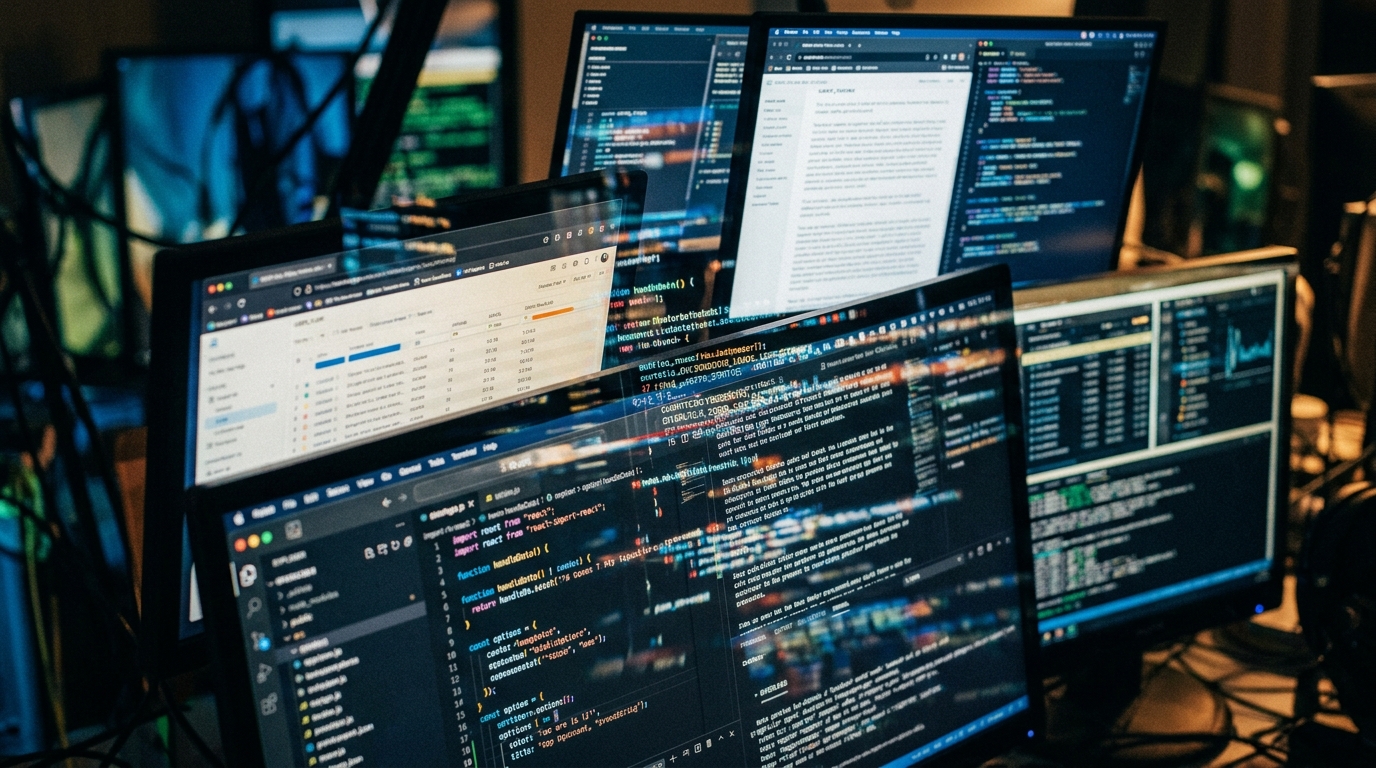
Your brain processes visual information differently when it comes from a screen versus the natural world. While reading a book, your eyes make smooth, predictable movements. But screens force your visual system into constant micro-adjustments — tracking cursors, processing rapid color changes, managing the artificial light that flickers imperceptibly but relentlessly. What surprised me most in the research was learning that this visual processing burden doesn’t stay confined to the occipital lobe where vision happens.
The constant digital input creates a ripple effect throughout your entire nervous system. Your prefrontal cortex — the area responsible for executive function, working memory, and decision-making — has to work overtime to filter and organize the flood of digital stimuli.
Think about it: when you’re switching between tabs, responding to notifications, and tracking information across multiple windows, you’re essentially asking your brain to manage several cognitive streams simultaneously. Each transition requires mental energy. Each notification demands attention allocation. By the end of a screen-heavy day, your cognitive resources aren’t just tired — they’re depleted.
Ready to protect your brain from digital depletion?
Why Sleep Doesn’t Fix Screen Brain

For months, I thought I could solve my screen fatigue with better sleep hygiene. I bought blackout curtains, established a wind-down routine, even invested in one of those expensive sleep tracking devices. But I kept waking up with what I started calling “pre-tired brain” — that foggy feeling that made simple decisions feel overwhelming before I’d even had coffee.
The research revealed why: screen exposure, particularly the blue light component, doesn’t just interfere with your circadian rhythm in the evening. It creates a state of chronic visual stress that affects your brain’s ability to enter true restorative phases during sleep. Your visual cortex remains hypervigilant, processing the day’s digital input even when your eyes are closed.
More concerning is what happens to your neurotransmitter production. Hours of screen time deplete dopamine and serotonin reserves faster than natural activities. Your brain literally runs out of the chemical messengers it needs for focus, mood regulation, and memory consolidation. Sleep can restore some of these levels, but it can’t keep up with the daily depletion from intense digital consumption.
Don’t let screen fatigue steal your cognitive potential.
The Memory Connection I Didn’t See Coming

The most unsettling discovery was understanding how screen fatigue affects memory formation. I’d assumed that forgetting details from my workday was normal — who remembers every email or meeting? But I started tracking my cognitive performance and noticed a pattern: the more screen-intensive my day, the hazier my recollection of not just work tasks, but personal conversations and experiences. It turns out that when your brain is in constant reactive mode — responding to notifications, processing rapid visual changes, managing multiple digital inputs — it struggles to encode experiences into long-term memory.
Your hippocampus, the brain region crucial for memory formation, requires focused attention and cognitive quiet to properly consolidate information.
Screen time creates the opposite environment: a state of continuous partial attention where your brain is always processing but never deeply encoding. Days blend together because your brain never had the chance to properly file the experiences away.
Experience sustained mental clarity during long screen days.
When Common Solutions Fall Short

Armed with this knowledge, I tried everything the productivity blogs suggested. Blue light glasses made my eyes slightly more comfortable but didn’t touch the mental fatigue. The 20-20-20 rule helped with eye strain but left me feeling just as cognitively drained by evening. Taking regular breaks improved my energy levels somewhat, but I noticed something troubling: even during breaks, my mind felt scattered.
I’d step away from the computer and find myself checking my phone, or feeling restless and unable to truly relax. It was as if my nervous system had become addicted to the constant stimulation and didn’t know how to downshift.
The ergonomic solutions addressed the physical symptoms but missed the neurological component entirely. I was still experiencing the afternoon cognitive crashes, the difficulty retaining information, and the sense that my thinking had become somehow less sharp and more effortful.
Join professionals who refuse to accept cognitive decline.
The Cellular Story Behind Screen Fatigue

The deeper I dug into the research, the more I realized that screen fatigue is ultimately a cellular energy problem. Your brain consumes about 20% of your body’s total energy, and the visual processing demands of screen work represent some of the most energy-intensive neural activity you can engage in. But here’s what most people don’t understand: it’s not just about having enough energy. It’s about having the right kind of cellular support for sustained cognitive performance.
Your neurons need specific nutrients to maintain the rapid-fire communication that complex mental tasks require. When those cellular resources become depleted, thinking becomes effortful, memory suffers, and mental clarity fades.
This is where my research led me to CogniCare Pro. I’d tried various supplements before, but most focused on individual nutrients rather than addressing the comprehensive cellular support that screen-fatigued brains actually need. CogniCare Pro was designed specifically for cognitive performance under stress — exactly what happens during long screen sessions.

Reclaim Your Mental Edge
Support your brain’s cellular needs during long screen sessions.
Screen fatigue isn’t just about tired eyes—it’s about depleted cognitive resources. CogniCare Pro provides targeted nootropic support to help maintain focus, memory, and mental clarity during digital-intensive work. Formulated specifically for the neurological demands of modern screen time.
- ✓ Sustained mental energy without crashes
- ✓ Enhanced memory retention and recall
- ✓ Clear thinking even after long screen days
What Actually Moved the Needle

I started taking CogniCare Pro not because I believed in quick fixes, but because the research behind its formulation made sense for my specific situation. The combination of nootropic compounds and cellular support nutrients addressed what I’d learned about screen fatigue: it’s not just about focus, it’s about giving your brain the resources it needs to handle digital overwhelm without depletion. The change wasn’t dramatic at first — no sudden burst of superhuman focus.
But after about two weeks, I noticed I could work longer screen sessions without the familiar afternoon mental crash. More importantly, my memory started coming back. I could recall conversations from earlier in the day, remember where I’d left off on projects, and retain details that had been slipping through mental cracks.
What impressed me most was how it affected my recovery time. Previously, after an intense screen day, my brain would feel “fried” for hours. With CogniCare Pro supporting my cognitive function, I could transition from work mode to personal time without that lingering mental fog.
Give your neurons the cellular support they deserve.
The Compound Effect of Protection

Six months into using CogniCare Pro consistently, I’ve noticed changes that go beyond just surviving screen time better. My baseline cognitive function has improved — I’m sharper during non-screen activities, more creative in problem-solving, and better at retaining information from books and conversations. It’s as if protecting my brain from digital depletion allowed it to operate at a higher level overall. The sleep improvements surprised me too.
Even though CogniCare Pro isn’t specifically a sleep supplement, supporting my brain’s cellular health during the day translated into better recovery at night. I wake up with genuine mental energy instead of that pre-tired feeling that had become my normal.
Perhaps most significantly, I’ve regained confidence in my cognitive abilities. The self-doubt that creeps in when your memory starts failing, when focus becomes effortful, when thinking feels sluggish — that anxiety about mental decline has largely disappeared.
Stop accepting mental fog as the price of digital work.
Living With Screens, Not Despite Them

I’m not anti-technology, and I haven’t dramatically reduced my screen time. My work still requires long hours of digital focus, but the experience has fundamentally changed. Instead of fighting against screen fatigue and accepting cognitive depletion as inevitable, I’ve found a way to work with technology while protecting my neurological health. The key insight from all this research is that screen fatigue isn’t something you just have to endure — it’s a signal that your brain needs better cellular support to handle the demands of modern digital life.
CogniCare Pro gives me that foundation. It’s not about becoming superhuman; it’s about maintaining human-level cognitive function in an environment that constantly challenges it.
These days, when people ask how I manage long screen days without burning out, I tell them it starts with understanding that screen fatigue is really about brain health. Once you address the underlying cellular needs, everything else — the focus, the memory, the mental clarity — begins to fall into place naturally.
Written by Elias Menden — for those who seek mental clarity in a digital world
Ready to feel the difference this formula makes?